- Pages:
- 214
- Published:
- September 2017
- ISBN:
- 9781680502404
- Edition:
- 1
Out of Print
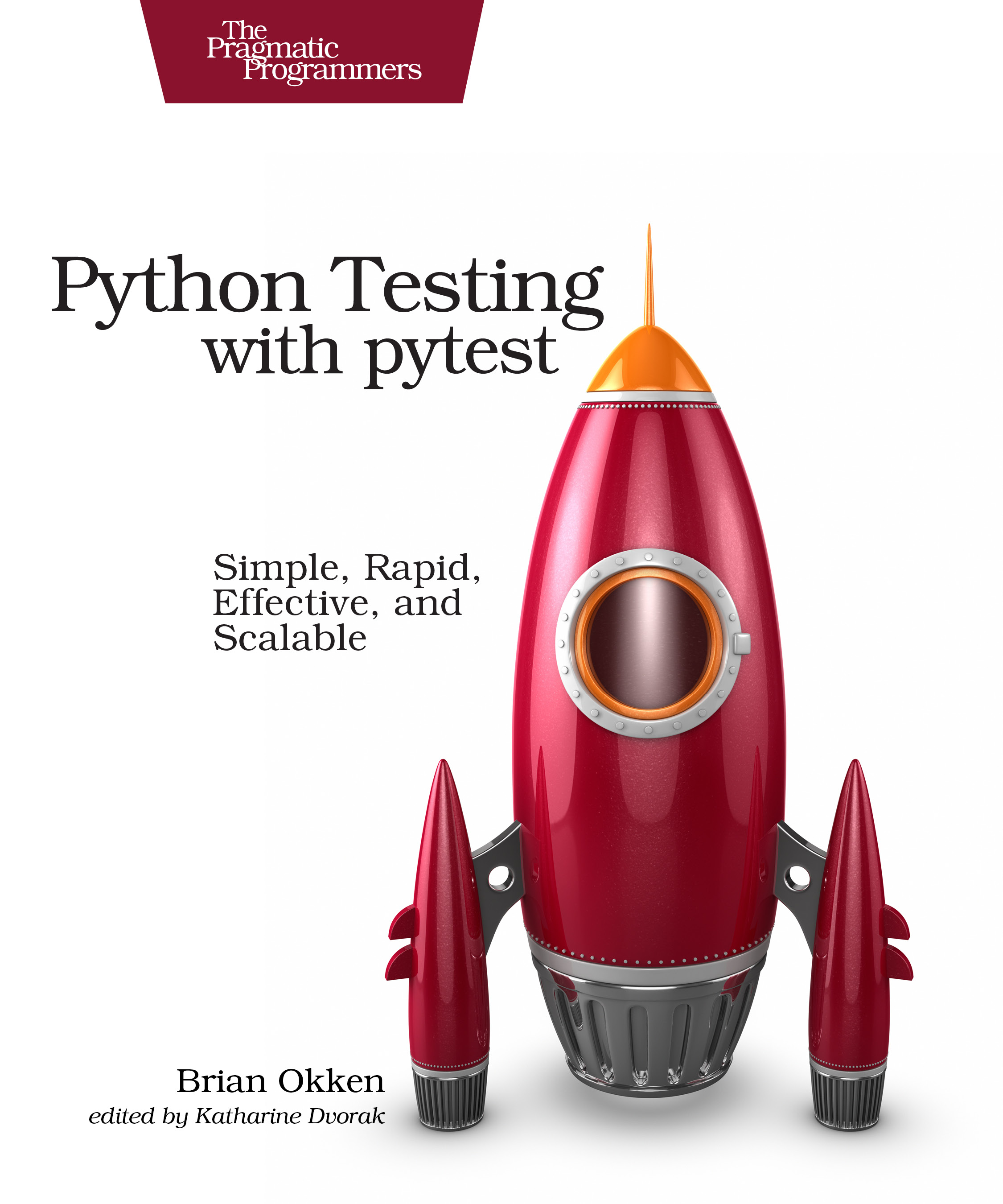
Python Testing with pytest
Simple, Rapid, Effective, and Scalable
by Brian Okken
Do less work when testing your Python code, but be just as expressive, just as elegant, and just as readable. The pytest testing framework helps you write tests quickly and keep them readable and maintainable—with no boilerplate code. Using a robust yet simple fixture model, it’s just as easy to write small tests with pytest as it is to scale up to complex functional testing for applications, packages, and libraries. This book shows you how.
Out of print
For Python-based projects, pytest is the undeniable choice to test your code if you’re looking for a full-featured, API-independent, flexible, and extensible testing framework. With a full-bodied fixture model that is unmatched in any other tool, the pytest framework gives you powerful features such as assert rewriting and plug-in capability—with no boilerplate code.
With simple step-by-step instructions and sample code, this book gets you up to speed quickly on this easy-to-learn and robust tool. Write short, maintainable tests that elegantly express what you’re testing. Add powerful testing features and still speed up test times by distributing tests across multiple processors and running tests in parallel. Use the built-in assert statements to reduce false test failures by separating setup and test failures. Test error conditions and corner cases with expected exception testing, and use one test to run many test cases with parameterized testing. Extend pytest with plugins, connect it to continuous integration systems, and use it in tandem with tox, mock, coverage, unittest, and doctest.
Write simple, maintainable tests that elegantly express what you’re testing and why.
Author Q&A
Q: I’m new to Python (or I’ve just built my first app) and I know I should include testing. Will this book help get me started?
A: Yes. Although the goal of the book is to teach you how to effectively and efficiently use pytest, it does it in the context of a working application.
Throughout the book I discuss various testing topics that relate to my philosophy of testing. Although it isn’t a book intended to teach you all you need to know about test strategy, there is some of that in there.
I don’t assume much Python and/or testing experience.
Experienced folks won’t get bored, either. I’ve had people tell me that they’ve been testing for years with pytest and realized while reading the book many ways to improve their testing.
Q: What is a test framework? The book refers to pytest as a testing framework. What does that mean?
A: pytest is a software test framework, which means pytest is a command-line tool that automatically finds tests you’ve written, runs the tests, and reports the results. It has a library of goodies that you can use in your tests to help you test more effectively. It can be extended by writing plugins or installing third-party plugins. It can be used to test Python distributions. And it integrates easily with other tools like continuous integration and web automation.
Q: What makes pytest stand out above other test frameworks?
A: Here are a few of the reasons pytest stands out:
- Simple tests are simple to write in pytest.
- Complex tests are still simple to write.
- Tests are easy to read.
- You can get started in seconds.
- You use assert to fail a test, not things like self.assertEqual() or self.assertLessThan(). Just assert.
- You can use pytest to run tests written for unittest or nose.
- It is being actively developed and maintained by a passionate and growing community.
- It’s so extensible and flexible that it will easily fit into your workflow.
- Because it’s installed separately from your Python version, you can use the same latest version of pytest on legacy Python 2 (2.6 and above) and Python 3 (3.3 and above).
- The pytest fixture model simplifies the workflow of writing setup and teardown code. This is an incredible understatement. pytest fixtures will change the way you think about and write tests, making them more maintainable, more robust, and easier to read. After you use pytest fixtures for a while, you’ll never want to go back to writing tests without them.
Q: My application is very different than the example application in the book. Will I still benefit from it?
A: Yes. I chose an example application that has a lot in common with many other types of applications. It has:
- A main user interface that is inconvenient to test against.
- Several layers of abstraction.
- Intermediate data types that are used for communication between components.
- A database data store.
Specifically, it’s a command-line application called `tasks` that is usable as a shared to-do list for a small team. Although the specifics of this application might not be that similar to your own project, the overall structure in the bullet points above share testing problems with many other projects.
Q: Does the code work with 2.7 and 3.x?
A: Yes. However, some of the example code uses the Python 3 style print function, `print(‘something’)`. To run this code in Python 2.7, you’ll need to add `from future import print_function` to the top of those files.
Q: Can I test web applications with pytest?
A: Yes. pytest is being used to test any type of web application from the outside with the help of Selenium, Requests, and other web-interaction libraries. For internal testing, pytest been used by with Django, Flask, Pyramid, and other frameworks.
What You Need
The examples in this book were written using Python 3.6 and pytest 3.2. pytest 3.2 supports Python 2.6, 2.7, and Python 3.3+.Resources
Releases:
Contents & Extracts
- Acknowledgments
What Is pytest?
Learn pytest While Testing an Example Application
How This Book Is Organized
What You Need to Know
Example Code and Online Resources
- Getting Started with pytest
- Getting pytest
- Running
pytest

- Running Only One Test
- Using Options
- Exercises
- What’s Next
- Writing Test Functions
- Testing a Package
- Using assert Statements
- Expecting Exceptions
- Marking Test Functions
- Skipping Tests
- Marking Tests as Expecting to Fail
- Running a Subset of Tests
- Parametrized Testing
- Exercises
- What’s Next
- pytest Fixtures
excerpt
- Sharing Fixtures Through conftest.py
- Using Fixtures for Setup and Teardown
- Tracing Fixture Execution with –setup-show
- Using Fixtures for Test Data
- Using Multiple Fixtures
- Specifying Fixture Scope
- Specifying Fixtures with usefixtures
- Using autouse for Fixtures That Always Get Used
- Renaming Fixtures
- Parametrizing Fixtures
- Exercises
- What’s Next
- Builtin Fixtures
- Using tmpdir and tmpdir_factory
- Using pytestconfig
- Using cache
- Using capsys
- Using monkeypatch
- Using doctest_namespace
- Using recwarn
- Exercises
- What’s Next
- Plugins
- Finding Plugins
- Installing Plugins
- Writing Your Own Plugins
- Creating an Installable Plugin
- Testing Plugins
excerpt
- Creating a Distribution
- Exercises
- What’s Next
- Configuration
- Understanding pytest Configuration Files
- Changing the Default Command-Line Options
- Registering Markers to Avoid Marker Typos
- Requiring a Minimum pytest Version
- Stopping pytest from Looking in the Wrong Places
- Specifying Test Directory Locations
- Changing Test Discovery Rules
- Disallowing XPASS
- Avoiding Filename Collisions
- Exercises
- What’s Next
- Using pytest with Other Tools
- pdb: Debugging Test Failures
- Coverage.py: Determining How Much Code Is Tested
- mock: Swapping Out Part of the System
- tox: Testing Multiple Configurations
- Jenkins CI: Automating Your Automated Tests
- unittest: Running Legacy Tests with pytest
- Exercises
- What’s Next
- Virtual Environments
- pip
- Plugin Sampler Pack
- Plugins That Change the Normal Test Run Flow
- Plugins That Alter or Enhance Output
- Plugins for Static Analysis
- Plugins for Web Development
- Packaging and Distributing Python Projects
- Creating an Installable Module
- Creating an Installable Package
- Creating a Source Distribution and Wheel
- Creating a PyPI-Installable Package
- xUnit Fixtures
- Syntax of xUnit Fixtures
- Mixing pytest Fixtures and xUnit Fixtures
- Limitations of xUnit Fixtures
Author
Brian Okken is a lead software engineer with two decades of R&D experience developing test and measurement instruments. He hosts the Test & Code podcast and co-hosts the Python Bytes podcast.Out of print
Related Titles: