
- Pages:
- 270
- Published:
- September 2025
- ISBN:
- 9798888651513
- Edition:
- 1
In Print

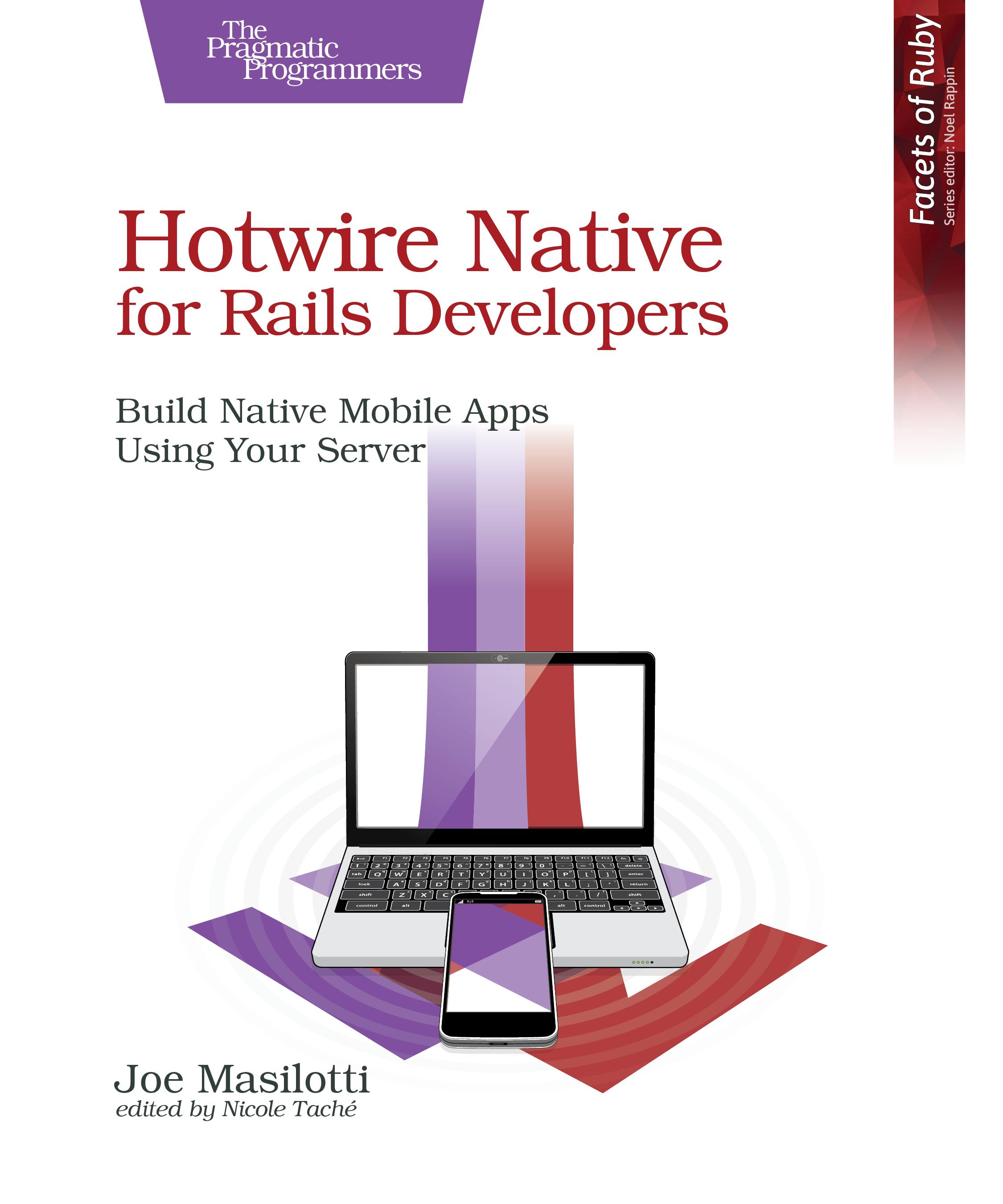
Hotwire Native for Rails Developers
Build Native Mobile Apps Using Your Server
by Joe Masilotti
Create intuitive and maintainable mobile apps powered by the technology you already know, Ruby on Rails. Add Hotwire Native to your new or existing Rails app and start creating native iOS and Android applications. You’ll learn how to enhance your apps, progressively adding native components and screens. Bring your existing or new web apps to a much wider mobile audience, and make the app look and feel native to their platform.
eBook Formats:
PDF for desktop/tablets
epub for Apple Books, e-readers
mobi for Kindle readers
Get all eBook formats here for $30.95 (USD)

Paperback Formats:
Order via Bookshop (U.S. Only)
Please support indie bookstores!
Find indie bookstores in the U.S. Find indie bookstores around the world.
You know how to create a great web app using Rails. But how do you also create native apps for iOS and Android when you don’t want to reimplement everything in Swift and Kotlin? Fully native iOS and Android apps are expensive to build and even more expensive to maintain. And, of course, you have to deal with the app stores.
Hotwire Native builds hybrid mobile apps by rendering HTML directly from your Rails server. Build your screens once and deploy across web, iOS, and Android simultaneously. No repackaging apps or resubmitting to app stores.
You’ll build a hiking tracker app on iOS and Android. Start by creating a bare-bones app and build new features into it with each new chapter. Set up remote path configuration to navigate gracefully and route forms efficiently. Determine when it makes sense to upgrade your screens to native. Build native components and screens to enhance the apps progressively, with full access to iOS and Android SDKs and APIs, such as push notifications and native maps. And deploy to physical devices for beta testing.
You’ll drive the content and behavior of your apps directly from the server, without changing any native code. And you’ll keep your business logic in one place, making your apps more resilient to future changes and easier to maintain. Along the way, you’ll learn just enough Swift and Kotlin to confidently build functional, user-friendly mobile apps.
What You Need
- macOS with Ruby 3.4.2, SQLite, Xcode 16, and Android Studio Meerkat.
Resources
Releases:
Contents & Extracts
- Preface

- The Problem with Native Apps
- The Hybrid Solution
- Prerequisites
- How This Book Is Structured
- Need Help?
- Build Your First Hotwire Native Apps
excerpt
- Build a Hotwire Native iOS App
- Build a Hotwire Native Android App
- What’s Next?
- Control Your Apps with Rails
excerpt
- Dynamically Set a Native Title via HTML
- Hide the Navigation Bar with Conditional Ruby
- Hide the Navigation Bar with CSS
- Add Missing Elements
- Keep Users Signed In Between App Launches
- Access the Camera and Photos on iOS
- Access the Camera and Photos on Android
- What’s Next?
- Navigate Gracefully with Path Configuration
- Routing Modals
- Set Up iOS Path Configuration
- Wire Up the iOS Client
- Set Up Android Path Configuration
- Wire Up the Android Client
- What’s Next?
- Add a Native Tab Bar
- Clean Up the iOS Directories
- Configure Tabs on iOS
- Clean Up the Android Packages
- Configure Tabs on Android
- What’s Next?
- Render Native Screens with SwiftUI
excerpt
- When to Go Native
- Build a Native Screen with SwiftUI
- Render a Map with a SwiftUI View
- Connect to Hotwire Native with a View Controller
- Route the URL via Path Configuration
- Expose a JSON Endpoint for Structured Hike Data
- Fetch and Parse JSON with a Model and a View Model
- What’s Next?
- Render Native Screens with Jetpack Compose
- Integrate Jetpack Compose with Hotwire Native
- Build a Jetpack Compose Screen
- Route the URL via Path Configuration
- Configure Google Maps with an API Key
- Add a Map to the View
- Fetch and Parse JSON with Model and View Model
- What’s Next?
- Build iOS Bridge Components with Swift
- Install Hotwire Native Bridge
- Add the HTML Markup
- Create a Stimulus Controller
- Create a Native Component
- Customize the Component
- What’s Next?
- Build Android Bridge Components with Kotlin
- Create a Native Component
- Respond to Button Taps
- Remove Duplicate Buttons
- Make the Button Text Dynamic
- Add a Dynamic Image
- What’s Next?
- Deploy to Physical Devices with TestFlight and Play Testing
- Add an App to App Store Connect
- Archive and Upload a Build
- Download the App on TestFlight
- Add an App to the Play Console
- Generate and Upload a Signed App Bundle
- Distribute Builds to Testers
- What’s Next?
- Send Push Notifications with APNs and FCM
- Send Push Notifications from Ruby on Rails
- Configure iOS for Push Notifications
- Configure Android for Push Notifications
- Recapping Push Notifications
- What’s Next?
Author
Joe Masilotti is a Hotwire Native developer and consultant who is on a mission to make mobile app development easier for Rails developers. He’s been working with Hotwire Native since 2016 and is a maintainer of the library. Since then, he’s helped dozens of businesses bring their Rails apps to the app stores.eBook Formats:
PDF for desktop/tablets
epub for Apple Books, e-readers
mobi for Kindle readers
Get all eBook formats here for $30.95 (USD)
Paperback Formats:
Order via Bookshop (U.S. Only)
Please support indie bookstores!
Find indie bookstores in the U.S. Find indie bookstores around the world.
Related Titles: